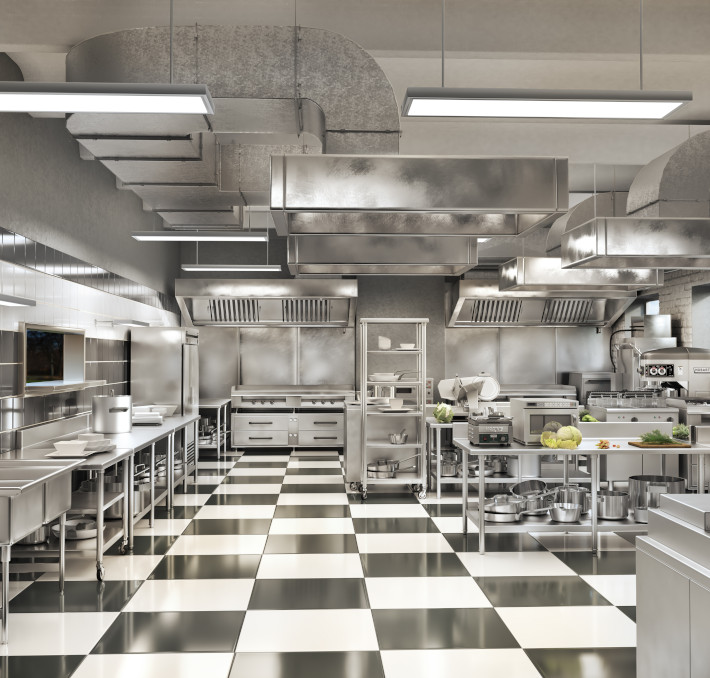
AutoQuotes (AQ) is the driving force behind the FES industry. For over 30 years, we’ve enabled food equipment manufacturers, dealers, reps, and consultants like you to simplify your sales process, fostering collaboration and efficiency to sell more — faster.
AutoQuotes (AQ) — Leader in Foodservice Equipment and Supplies
Data analytics and quoting solution to assist your FES business with data visualization, configure, price, quote (CPQ) operations, analytics, reporting, multi-channel payment processing, and much more.
With a full-suite of CPQ, design, data analytics applications, and the world’s largest database of foodservice equipment and supplies— AQ’s products serve the entire industry.
Drive Performance with AutoQuotes
Dealers
Simplify your sales process, access comprehensive product data, and accelerate your quote-to-sale journey.
AutoQuotesstarted with one person's idea to make the FES industry run better. Today, over 20,000 people like you rely on AQ to keep their businesses running.
Get in touch
Ready to have a conversation about how to achieve greater outcomes for your business?
Fill out the form and we’ll connect you with a product expert that fits your organization’s needs.